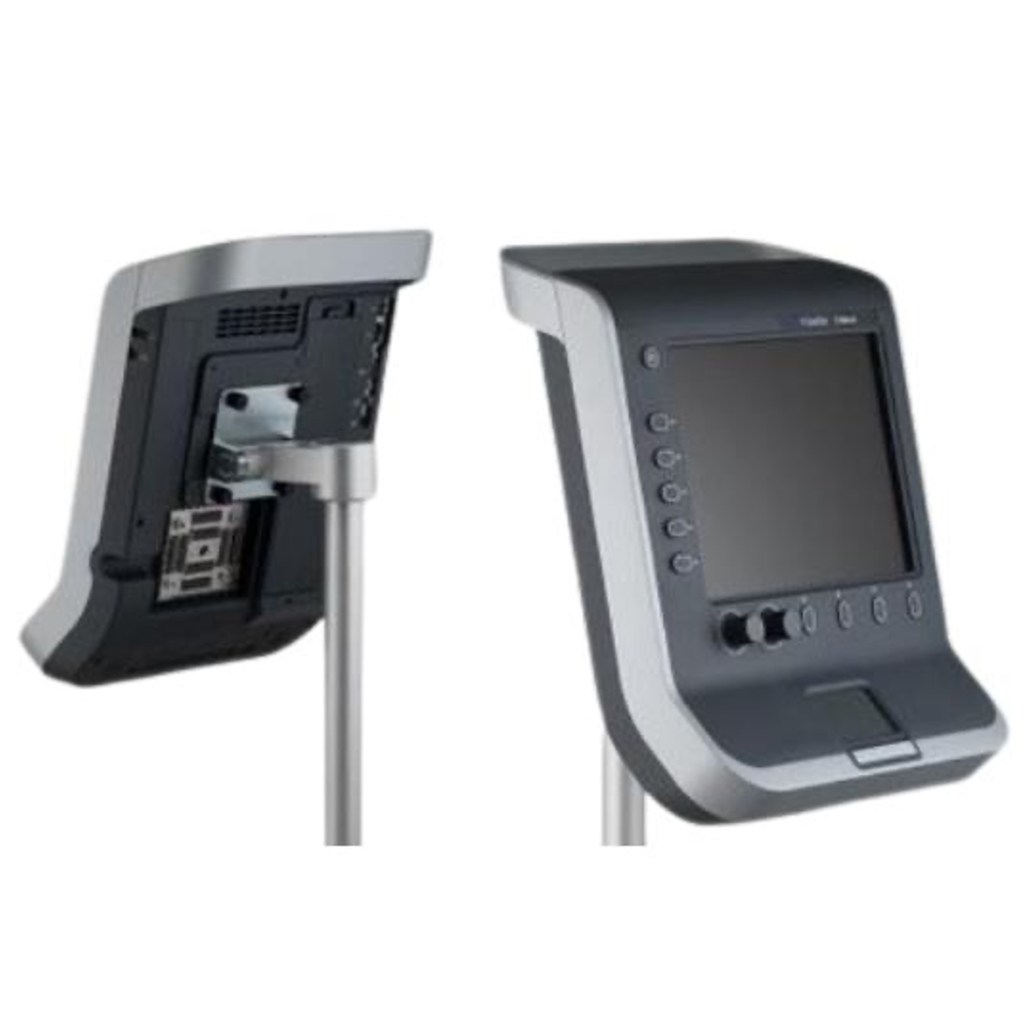
The Sonosite S-ICU operates through a series of menus generated through the physical buttons along the left and lower sides of the screen. The track-pad and click button can also be used. It has no touch screen capability.
1. Turn on Device

2. Enter patient info
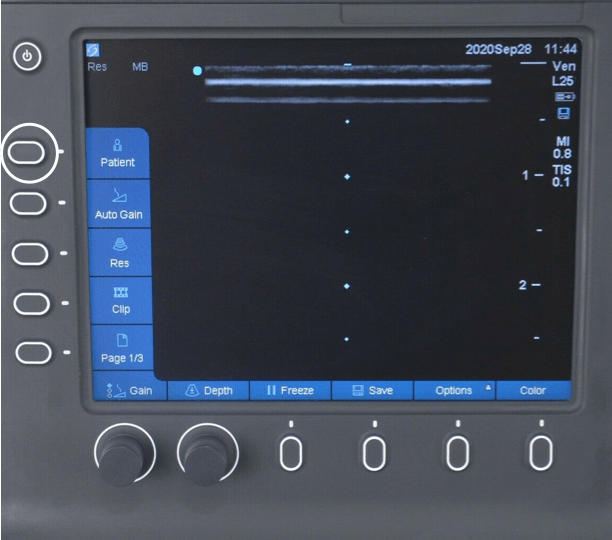
Select the patient menu. On the lower menu select ‘New/End’. Enter the MRN under the ‘ID’ field. Select ‘Done’
3. Select transducer

4. Select exam preset

To access the exam preset, select ‘Options’ then ‘Exam’ and select the appropriate exam from the dropdown that appears in the top right corner of the screen using the track pad.
5. Adjust gain
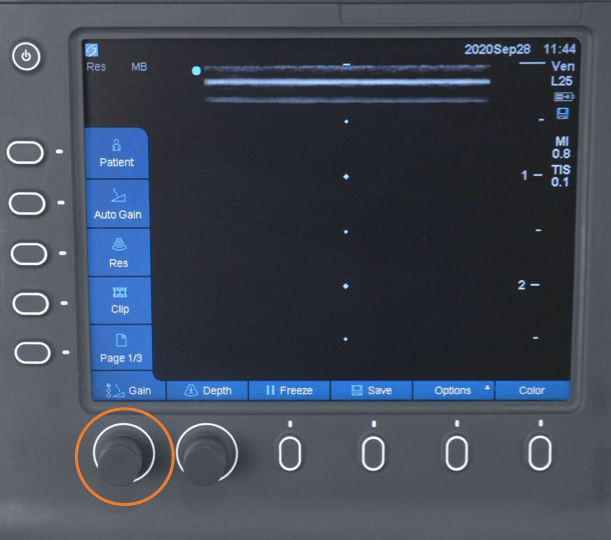
6. Adjust depth

7. Save a short video clip
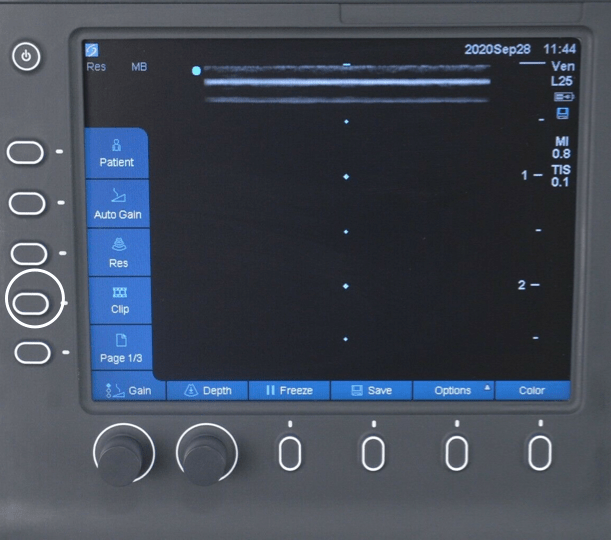
8. Save a still image

9. End study
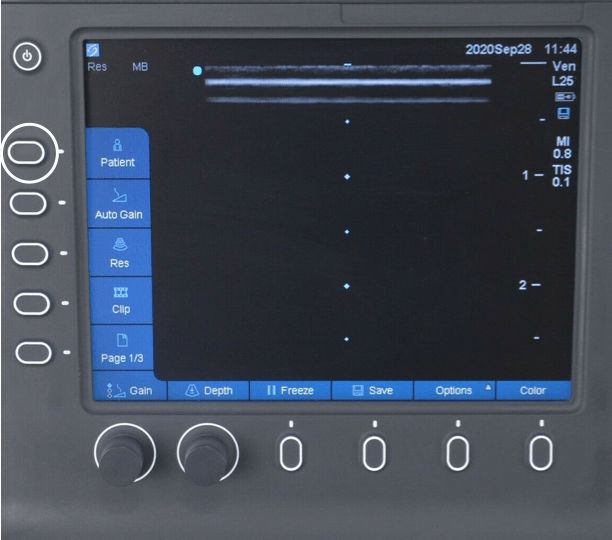
To complete the study select ‘Patient’ and then ‘New/End’
 Toronto Internal Medicine POCUS